Brightspace Pulse
D2L Corporation
Downloads
1,000,000+
Source
Google Play
Advertisement
Click to download now, finish the installation quickly, and directly unlock the all-round experience
Advertisement
Screenshots
Click to download now, finish the installation quickly, and directly unlock the all-round experience
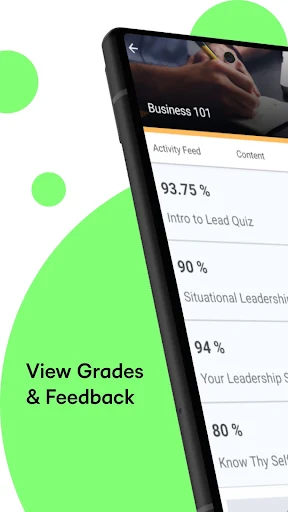
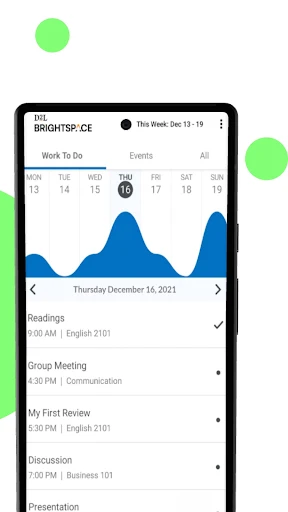
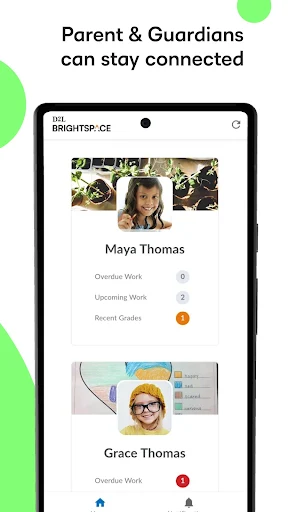
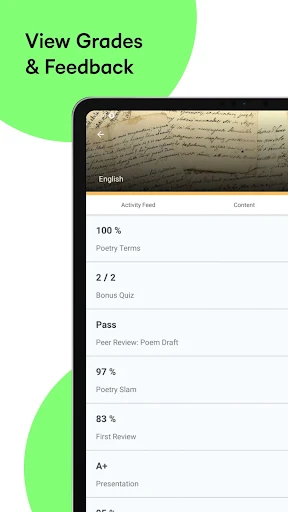
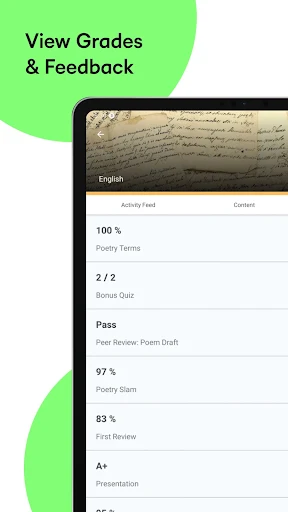
Brightspace Pulse is a companion app for learners using D2L Brightspace, with access to course material, dates, grades and notices from a phone. It suits students who want to check what is coming up without opening a computer, and may also be useful to parents or guardians when their school or organization enables that access.
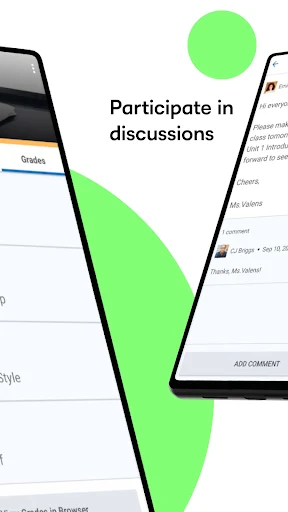
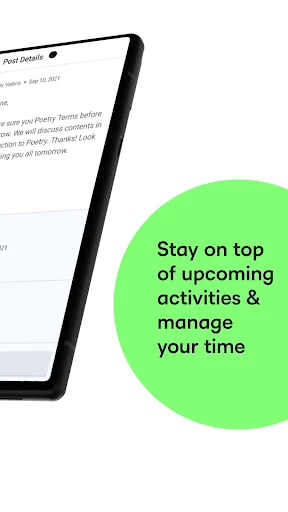
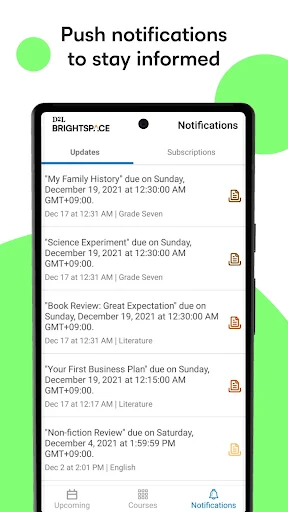
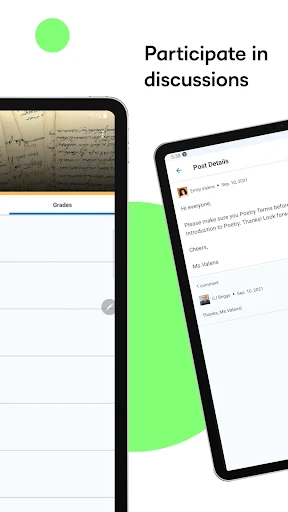
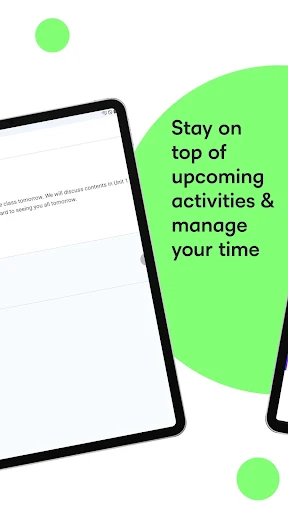
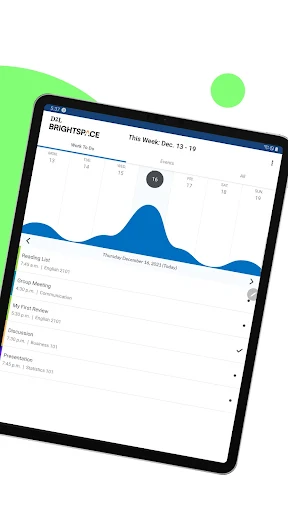
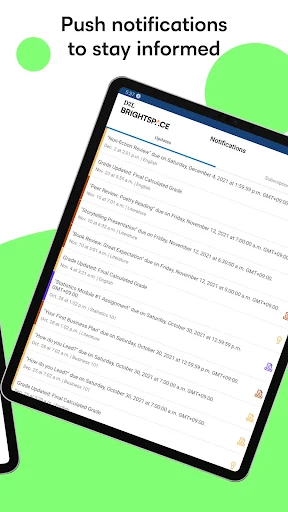
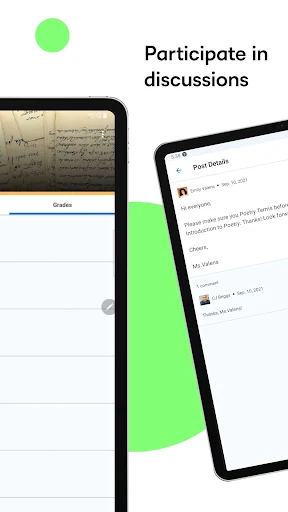
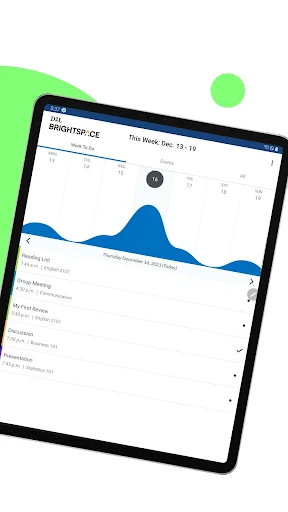
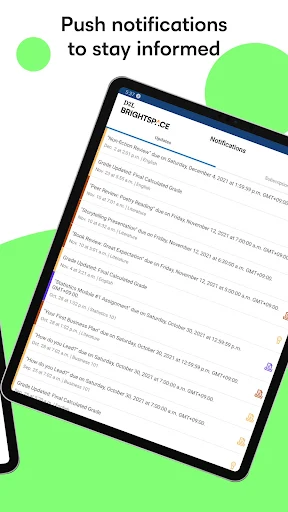
The app brings upcoming and overdue coursework together across courses. Notifications can cover announcements, grades, quizzes, assignments and Activity Feed posts, so it can help surface changes between visits to the app. Learners can also take part in Activity Feed discussions. For tasks that need features beyond the app, Brightspace Pulse can open Brightspace in a browser.
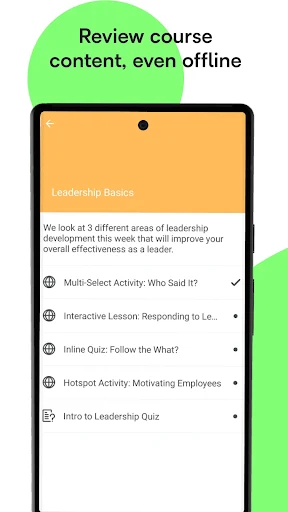
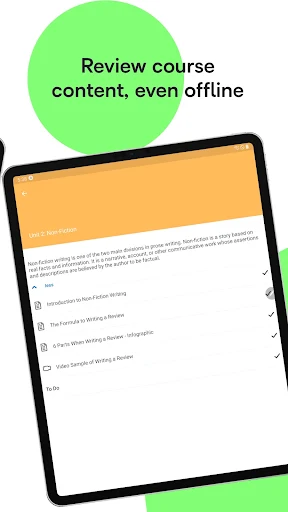
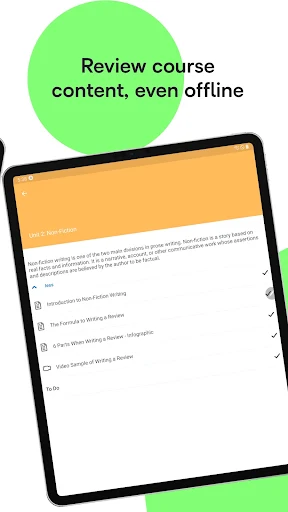
Some course content, including supported video and audio, can be accessed offline. That may help on a commute or when travelling through areas with patchy service, but it does not mean every course item or activity works without a connection. Check important material ahead of time, and expect to use a browser for activities Pulse does not support.
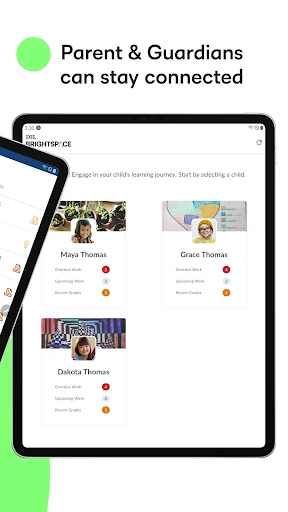
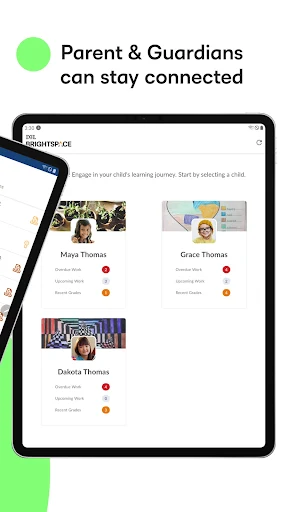
What appears in the app depends on the school or organization's Brightspace setup and on your account role. Learners need an account supplied by their institution. Parent and guardian features require the institution to enable access; where available, they can include updates and work for multiple learners.
Brightspace Pulse is published by D2L Corporation. Its store listing shows a 4.75 rating from about 28,600 reviews and more than 1 million installs. Those figures indicate broad use, but they do not tell you whether your institution has enabled every feature. Confirm that your school uses Brightspace and provides access before treating Pulse as your main way to follow coursework.