Transkriptor: Speech to Text
Tor.App
Downloads
5,000,000+
Source
Google Play
Advertisement
Click to download now, finish the installation quickly, and directly unlock the all-round experience
Advertisement
Screenshots
Click to download now, finish the installation quickly, and directly unlock the all-round experience
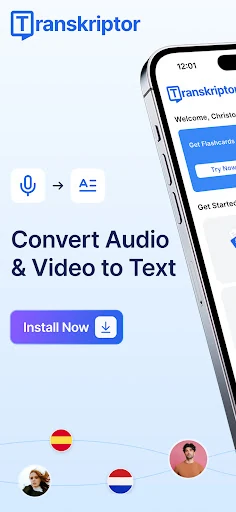
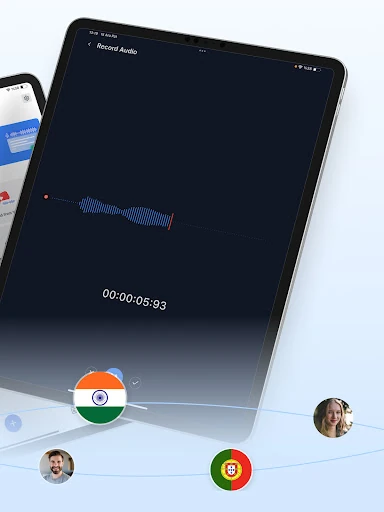
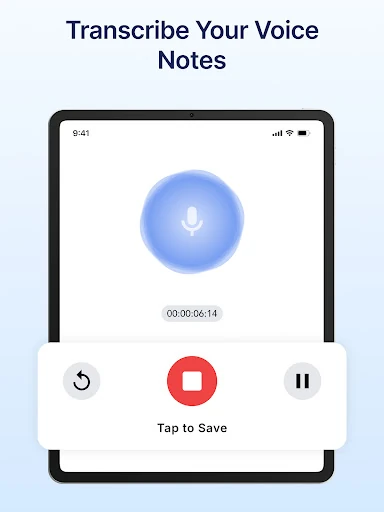
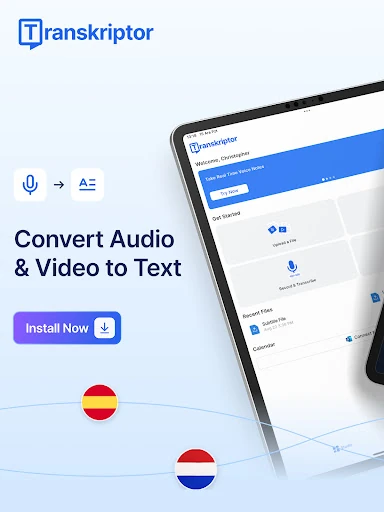
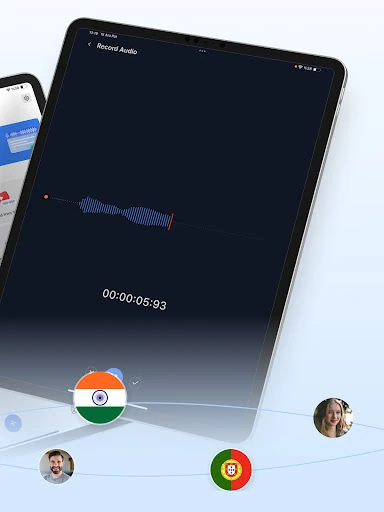
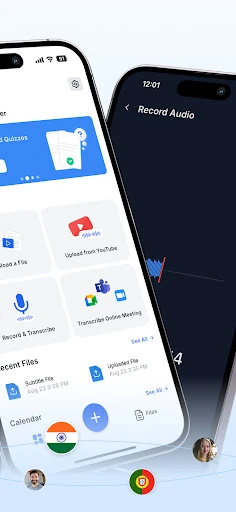
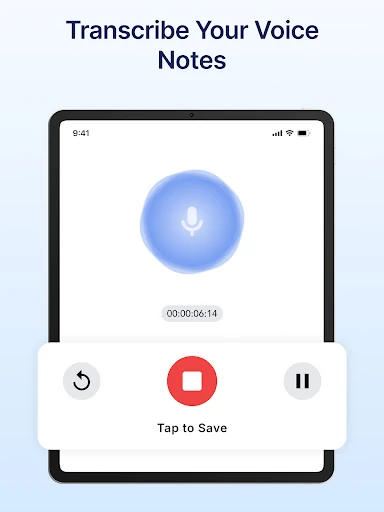
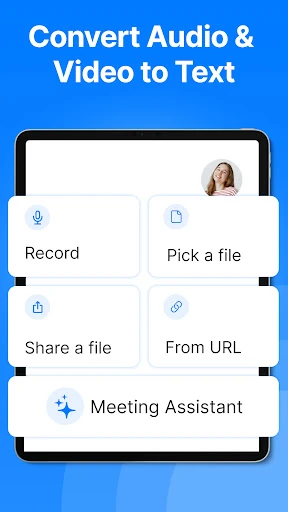
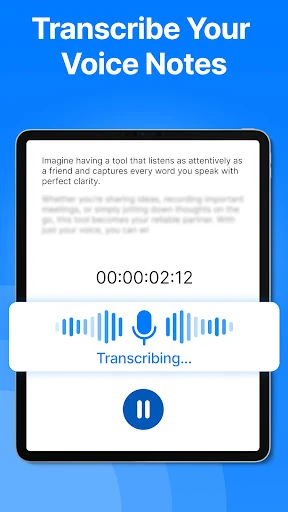
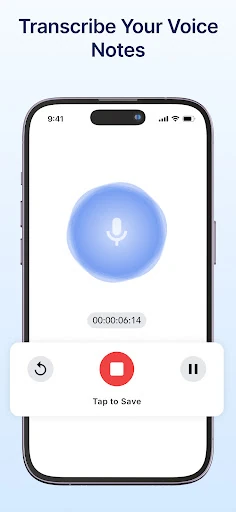
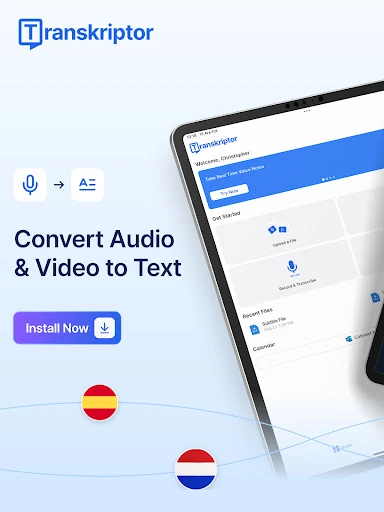
Transkriptor: Speech to Text is a productivity app for people who need written records of spoken material: meeting attendees, students, interviewers and anyone working with recorded audio or video. It can record speech, transcribe audio files and extract text from video sources, including YouTube links. Supported audio formats include MP3, WAV and M4A.
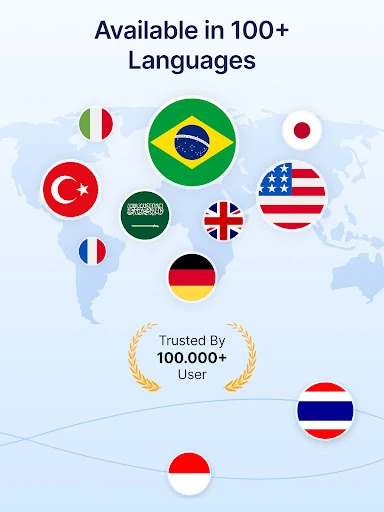
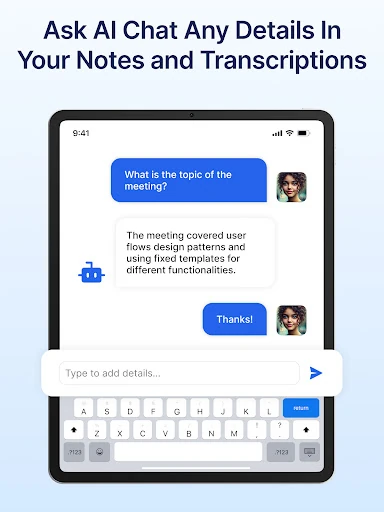
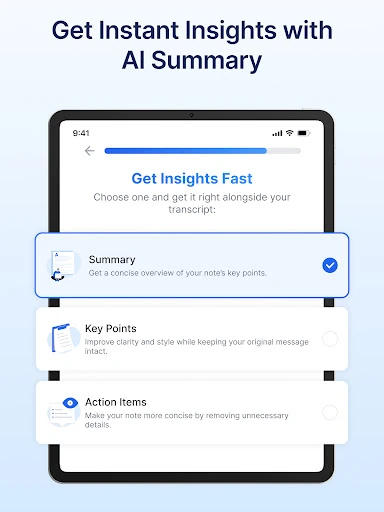
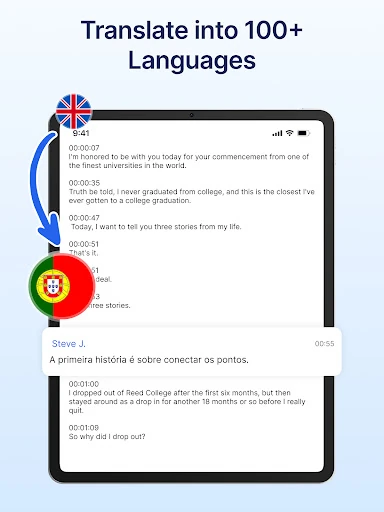
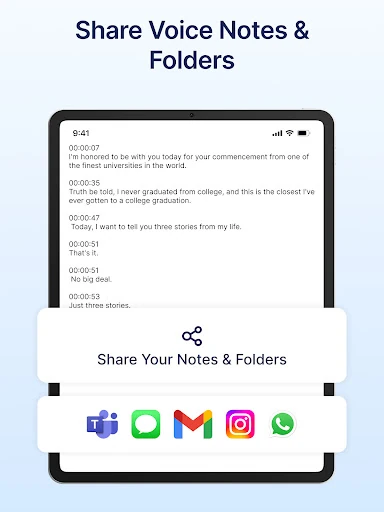
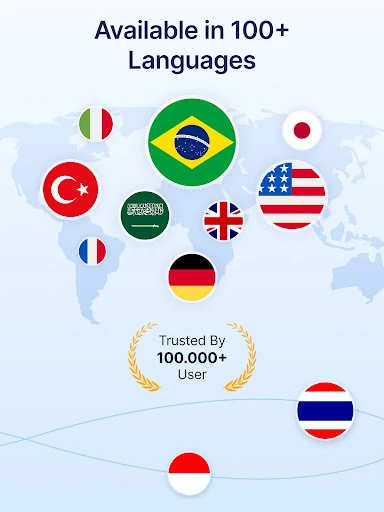
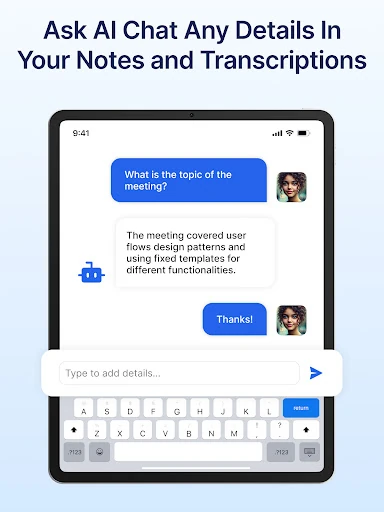
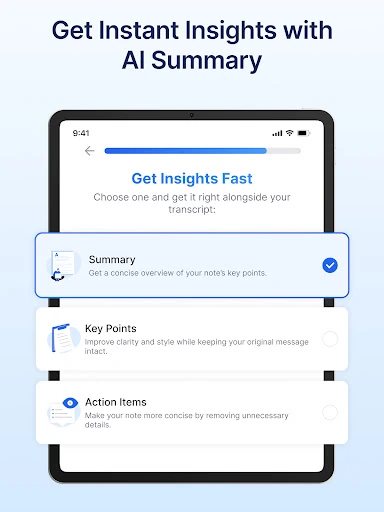
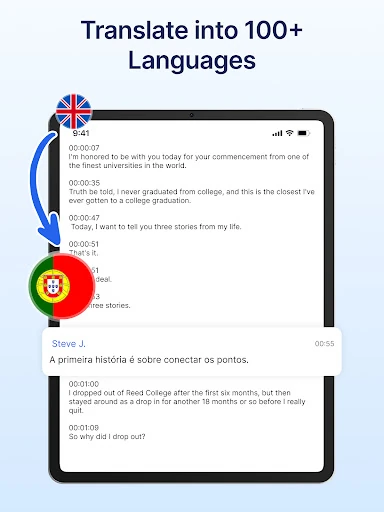
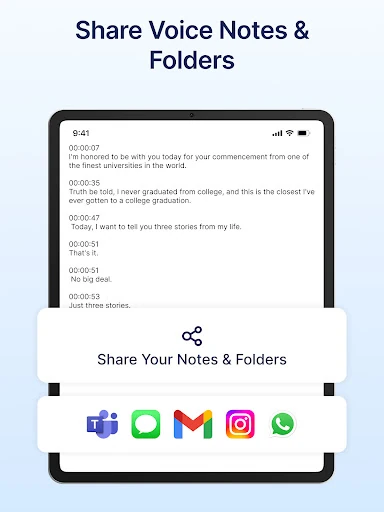
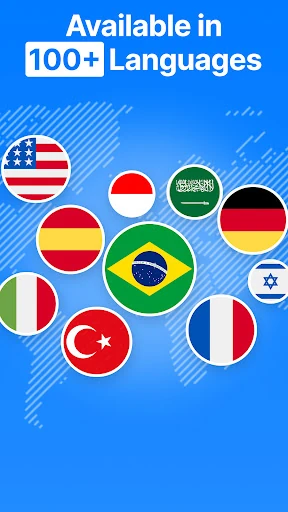
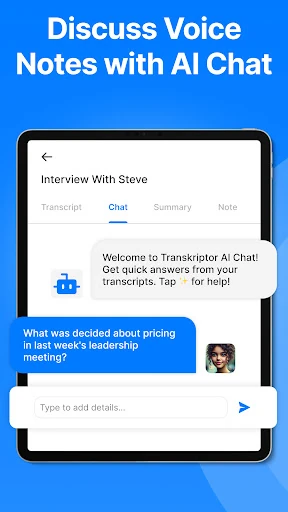
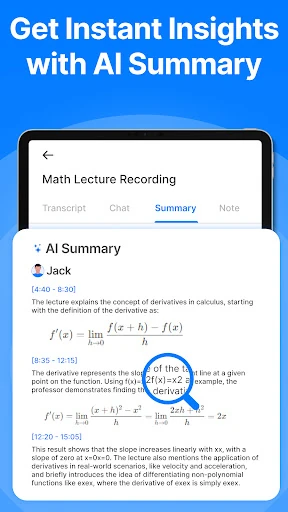
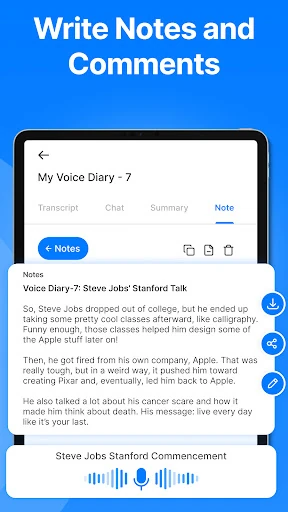
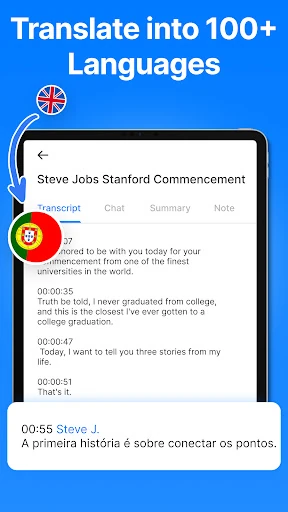
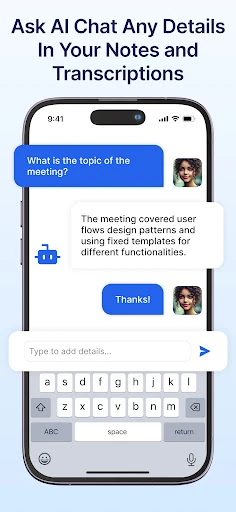
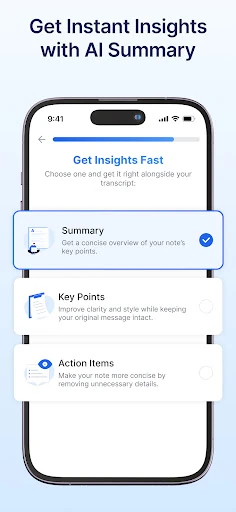
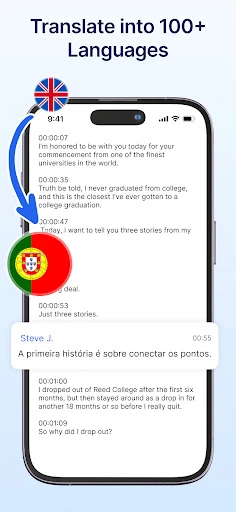
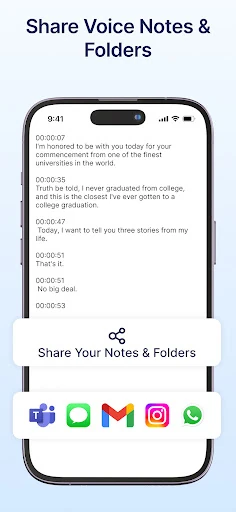
The app offers more than a text conversion. It can identify different speakers, work across more than 40 languages, and translate transcripts. Its AI assistant can answer questions about a transcript, create summaries and draft emails based on its contents. Exports include PDF, DOCX, TXT and SRT, which may help when notes need to move into a document or subtitle workflow.
These tools are most useful when a recording is clear enough to follow and the transcript needs further organisation. Speaker labels and summaries can save manual effort, but they are not a substitute for checking names, technical terms or decisions before sharing important notes.
The available information does not establish whether transcription works without an internet connection, how much space recordings and transcripts use, or which permissions the app requests. If you need to work offline, have limited phone storage or handle sensitive conversations, check those details before relying on it. The app supports file uploads as well as recording, so it can fit more than one way of collecting audio.
Access to the full set of AI features may require a paid plan after free credits are used. That matters if you expect to transcribe regularly rather than try the service occasionally.
Transkriptor is published by Tor.App. Its Google Play listing shows a 4.2-star rating from about 45,000 reviews and more than 5 million installs. Those figures indicate broad uptake, not a guarantee that every transcript will be accurate or that the app suits every workflow. It is a reasonable option to consider if you want transcription plus tools for reviewing and reusing the resulting text.