
Advertisement
Click to download now, finish the installation quickly, and directly unlock the all-round experience
Advertisement
Screenshots
Click to download now, finish the installation quickly, and directly unlock the all-round experience
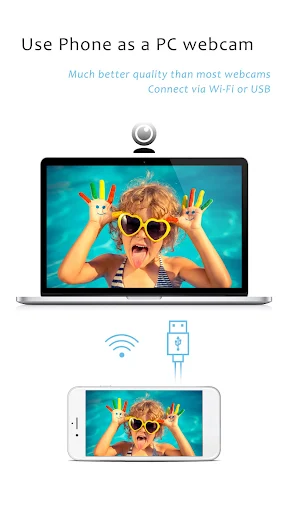
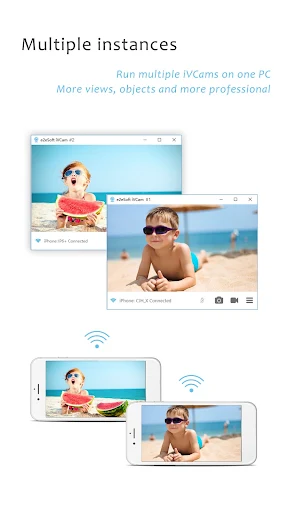
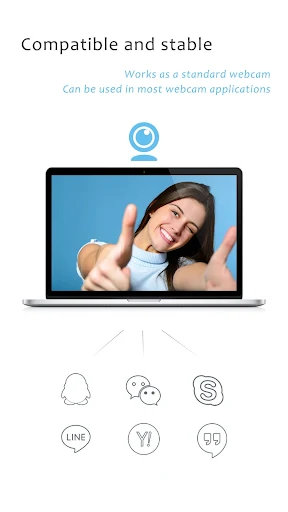
iVCam Webcam sends live video from an Android phone or tablet to a Windows PC, where it can stand in for a built-in or USB webcam in compatible applications. It may suit someone who needs a camera for calls but does not have a separate webcam, or who wants to use a phone’s front or rear camera instead.
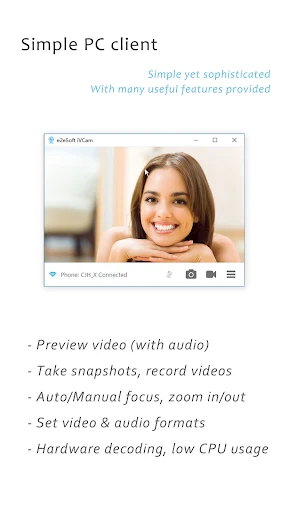
A Windows client is required, so the Android app alone is not a complete webcam setup. The listing says the phone and PC can connect over Wi-Fi or USB. That gives you a wired option when you would rather not rely on Wi-Fi, though it does not establish whether the app works without an internet connection in every setup.
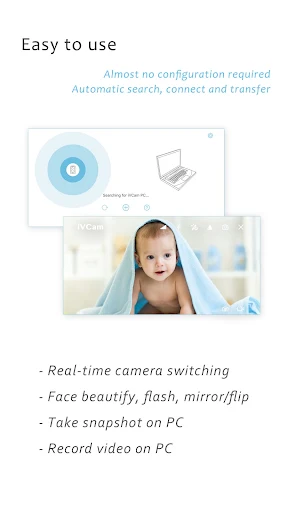
The listing describes support for several video sizes, including 1080p and 4K, along with controls for focus, exposure, white balance, zoom and frame rate. Available results will depend on the phone’s camera and the PC application. It also lists portrait and landscape views, front and rear camera switching, and background effects such as blur and green screen.
Audio support lets the phone act as a microphone for the PC. Video can also be recorded directly to the computer through the Windows client, which may help if phone storage is tight. These are listed capabilities, not guarantees about how well a particular phone, PC or meeting app will handle them.
Published by e2esoft in the Tools category, iVCam Webcam has more than 5 million installs. Its rating is about 3.8 out of 5 across 64,386 ratings. Those figures show broad use, but do not tell you whether the app will work smoothly with your particular devices or video-call software.